From the inspection report, click Create,
then click Hold and Do Not Distribute
Notice (note: the name of this document may be customized). A new
screen appears. (show screen) 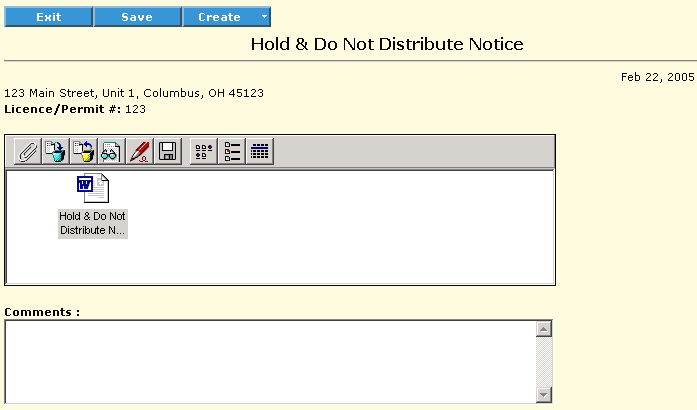
Double-click the attached template document (for instructions on using the buttons in the attachment area, see Working with Attachments). It opens in the program used to create it (for example, Word).
Modify the document to suit your purposes (for example, adding a list of the foods to be held) and save the document.
Optionally, add comments about the "hold and do not distribute" notice and save it.
Print the notice and deliver it to the appropriate parties.